

Post an event once. When it's approved, every Warwick student on Tandem can find it, whether they follow you or not, and your followers hear about it the week before.
Two minutes to send. Set up the same day.
Or see how it works first
One minute, captioned. What students see and what you see.
Music from InAudio, Ocean Depths by MokkaMusic
Everything below is in the app today.
Every approved event sits in the campus-wide list for the two weeks before it happens, next to every other club and society at Warwick.
Followers hear about it the week before. Anyone going is reminded a day before and an hour before, and told if you cancel.
Fill in the template and upload it. Anything already up is skipped, so you can add October later.
Add your ticket link, or Warwick Sport's, and students buy where you already sell. We don't touch the money. Any event can be saved to a phone calendar.
Followers over time, events posted, RSVPs and a breakdown by year group. No other committee sees them.
If you were on Tandem last year, your page is still there. It just needs handing to this year's committee.
















Open whichever bit you need.


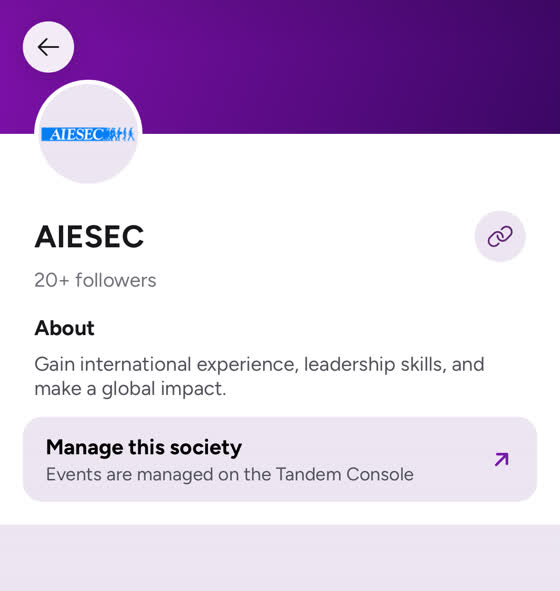
Once you're an admin, your society page in the app has this link to the console.
Mix and match these.
| Column | What goes in it |
|---|---|
title | What the event is called |
date | 2026-10-01 or 01/10/2026, both work |
start_time | 24 hour, so 19:30 |
end_time | Same. A finish after midnight is fine, it rolls to the next day |
location | Where it is |
description | What it is. This is what students read |
entry_type | free or ticketed |
price | Ticketed only. Ignored on a free event |
link | Ticketed only, and required. Where they buy |
Every event needs a cover image before it goes live. Covers go on the event, not in the file, and on a paste or term upload one image can cover the whole set.
Your Instagram graphics are the right shape.
Mark it ticketed and add the link to where you already sell. The price is optional, the link isn't. Tandem sends people to your seller and takes no payment or cut.
Events normally show in the home feed about a week before. Mark one as a spotlight in the console and, once the SU approves it, it sits at the top of your followers' home screen however far off it is. If they haven't heard about it yet, they're told straight away.
One at a time, so save it for your ball or your biggest speaker.
You only see your own club or society. Followers over time, events posted, RSVPs with the average per event, and a breakdown by year group. Each event's going list is on its page in the app.
It's most useful before the event. If 40 people say they're coming by Tuesday, order pizza for 40.
Send their names and Warwick emails to dan@tandemuniapp.com and they're added to the Committee page in the console. Include whoever runs your socials, they usually do the posting.
Email dan@tandemuniapp.com or message @tandem.uni.app. A real person replies, usually the same day.
Send your name and Warwick email, plus your role and which club or society. You're set up the same day.
Prefer Instagram? Message @tandem.uni.app.